Craiyon
For this module I decided to explore the generative AI tool Craiyon. I use LLMs like ChatGBT on occasion for creative inspiration when working on personal projects/artistic hobbies, but have never really explored other types of generative AI tools, like the ones listed in module two. Craiyon would be great for educators, and visual learners.
Craiyon’s Unlimited Image Generation
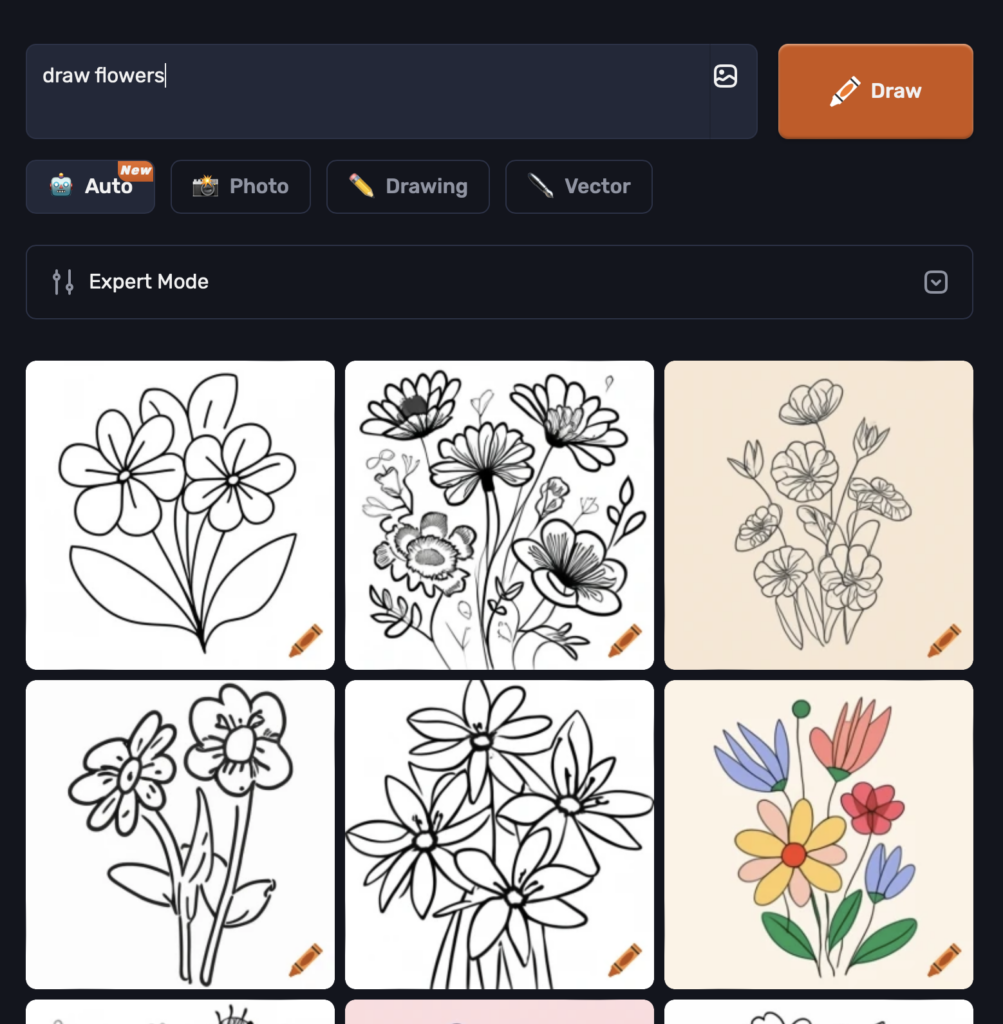
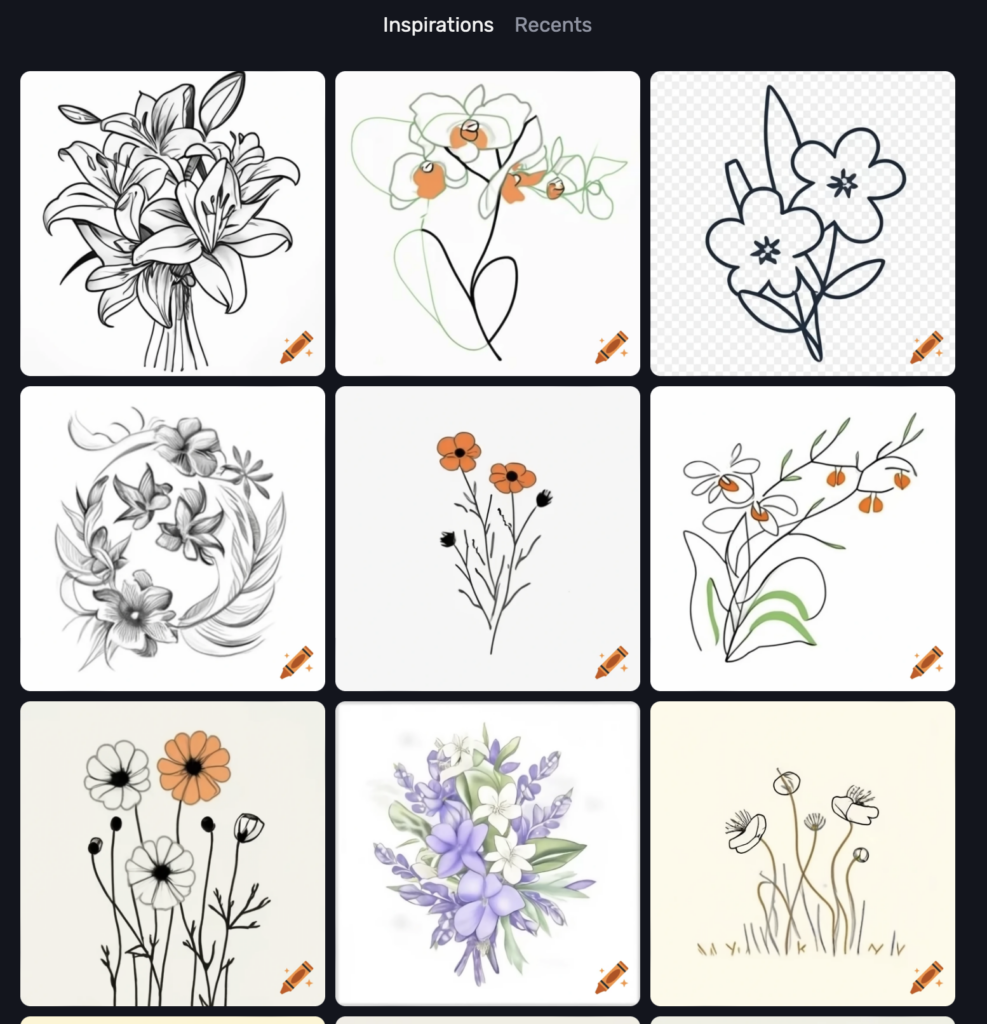
When using ChatGBT I sometimes would generate images, although would get frustrated because I could only generate three free images per day. For this reason, I found Craiyon useful because I could generate as many free images as I wanted and the AI tool would also give me a bunch of inspiration photos at the bottom of the page I could use to make my next image prompt if I wanted.
TPACK analysis of Craiyon’s functions
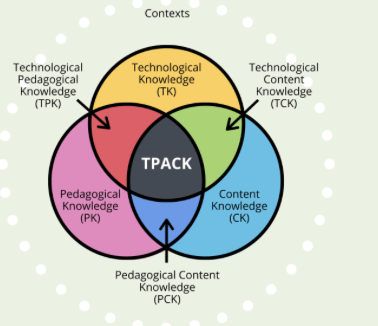
- Technological Knowledge (TK): Craiyon is an AI-based image generator, previously called DALL-E Mini. It utilizes machine learning to generate images from text prompts. User’s of this tool should have basic technological literacy and can craft prompts that the system can understand. For artistic uses, using the generated images as inspiration and brainstorming is most helpful.
- Pedagogical Knowledge (PK): Teachers using Craiyon can integrate it into visual learning strategies that can inhance creativity, stimulate imagination and help understand concepts. Craiyon can help support students in subjects like science, art, or literature. Teachers must understand how to use Craiyon effectively within lesson plans.
- Content Knowledge (CK): This refers to a teacher’s ability to integrate Craiyon into their work. For example, in science Craiyon might be used to visualize concepts like space, and in art Craiyon might be used to create inspiration or prompts of drawing ideas.
- Technological Pedagogical Content Knowledge (TPACK): Using Craiyon within the TPACK framework means that teachers know how to combine the technology (Craiyon), pedagogy (teaching strategies), and content knowledge (subject matter) into a class. When these three aspects are combined perfectly, Craiyon can be a great educational tool.
Reflection on TPACK Analysis
While all the information from this analysis was very beneficial, TPACK itself was the hardest to assess because it is a interaction of all three domains (technology, pedagogy, and content). After having a good understanding on each of the separate domains, then I could assess TPACK.
The analysis of Craiyon as a learning tool reveals that it can engage visual learners, promote creativity, and is versatile across all subjects. Although, I believe the images lack accuracy and quality. Some of the prompts I put in like (photosynthesis), lead to a misunderstanding and mis-use of images. The quality of images I could generate off ChatGBT were a lot more detailed and better quality than the images off Craiyon. Craiyon would be a great learning tool for early primary school educators who would not be teaching any complex subjects.
References
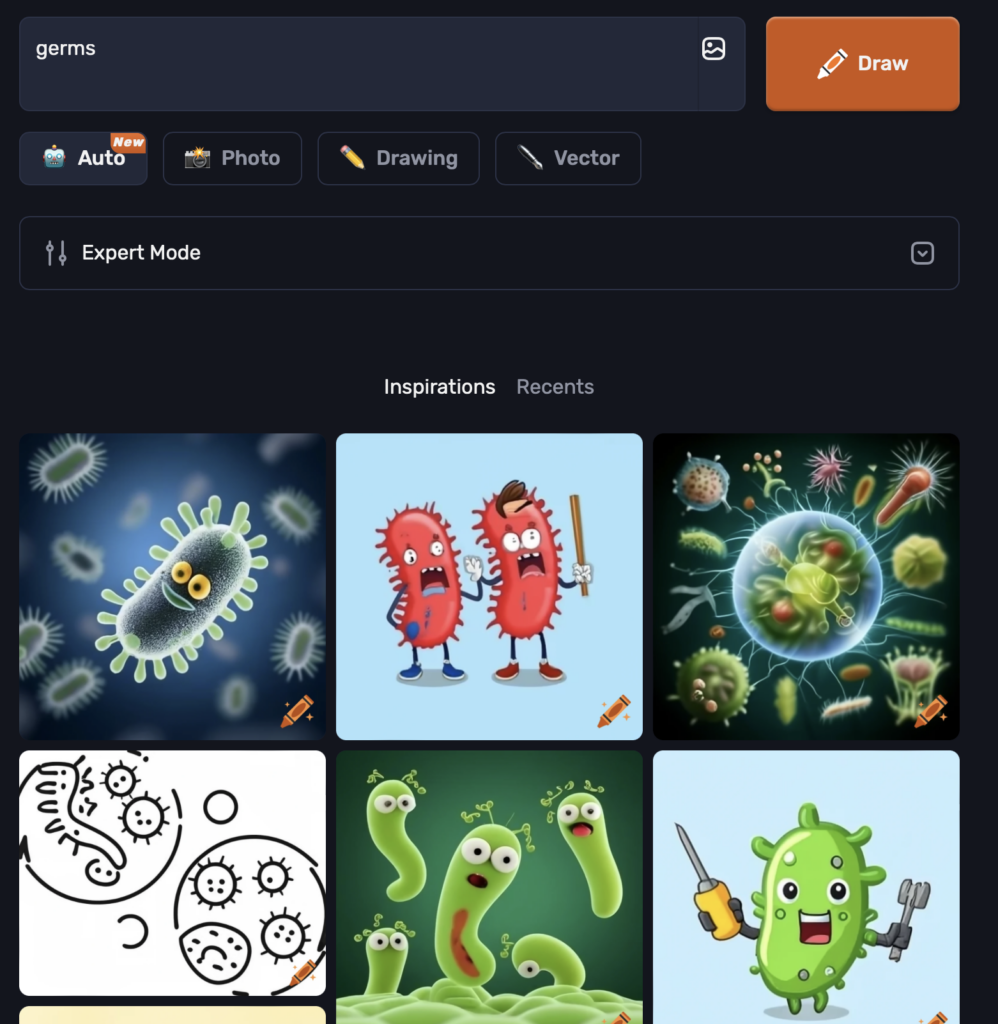
Craiyon. (n.d.). [AI Generated Image of Germs]. Retrieved [October 11th, 2024], from https://www.craiyon.com
Craiyon. (n.d.). [AI Generated Image of Draw Flowers]. Retrieved [October 11th, 2024], from https://www.craiyon.com
OpenAI. (2024). ChatGPT (v2.0) [Large language model]. Craiyon TPACK analysis. Retrieved October 11, 2024, from https://openai.com/chatgpt
Hello, I really love the image prompts you picked and the variety of pictures the AI tool gave back. It is interesting to see how AI is steadily evolving. I have never used an AI tool for picture generation, so it is nice to see how it works through your blog post. It is also exciting to learn how this tool can also be used in teaching.